Studio error: "There was a problem uploading an action to the Sessions"
Applies to:
- Revu 20
Problem
When attempting to upload markups to a Studio Sessions, you encounter the following error message: "There was a problem uploading an action to the Sessions."

Solution
Open a second instance of Revu
Sometimes opening a second instance of Revu will resolve the issue:
- Leave your current Studio Sessions open and launch a second instance of Revu.
- In the second instance of Revu, navigate to your current Studio SessionStudio Sessions.
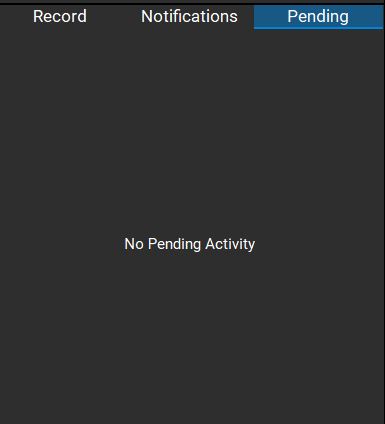
- Verify whether your markups display under the Pending tab in the Studio panel.
Save pending markups and clear cache
If your markups still haven't uploaded, clear the Studiocache.
- Exit Revu.
- Click the Windows Start button and type: %localappdata%.
- Select the folder from the search results.
- From the file explorer dialog box, navigate to \Revu\data\Sessions\studio.bluebeam.com.
- Double-click on the folder pertaining to the Studio Sessions ID with your pending markups.
- Copy the PendingActivity folder to another location such as the Desktop.
- Rename the original PendingActivity folder (you can add _old at the end).
- Launch Revu and navigate to your current Studio Sessions.
- Log out of the Studio Sessions and close Revu.
- Move the PendingActivity folder on the Desktop back to the SessionsID folder in %localappdata%\Revu\data\Sessions\studio.bluebeam.com.
- Relaunch Revu and log back into your Studio Sessions.
Your markups should be uploaded to the server and no longer listed under Pending.
Delete pending markups and clear cache
If you don't need to save any of the pending markups and would like to clear them along with the cache, do the following:
- In File Explorer, navigate to: %localappdata%\Revu\data\Sessions\studio.bluebeam.com.
- Double-click on the studio.bluebeam.com folder.
- Rename the Sessions ID folder with the pending markups (you can add _old at the end).
In this case, your markups will no longer be listed under Pending when you reopen Revu, and they won't be uploaded to the server or document.
Troubleshooting
Revu 20
Studio
Error Message