Create a PDF package
PDF packages bundle multiple PDFs or other documents into one container PDF. This provides an alternative to combining pages from different PDFs.
Revu provides a tool for creating PDF packages, as described below. For information about working with existing PDF packages, go to Working with PDF Packages.
To create a new PDF package:
-
Go to File > Create >
 PDF Package. A new, unsaved package document container is opened.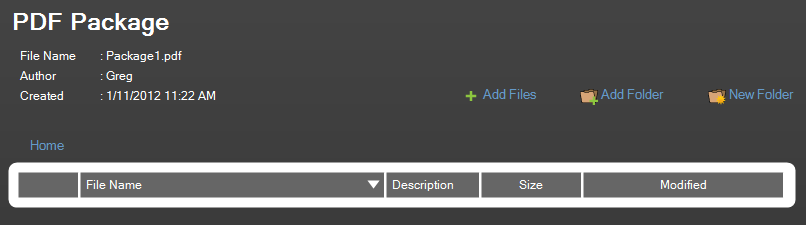
- Add individual files to the PDF package:
- Select
 Add Files.
 - Select the files to add and select Open. Or, files can be dragged from Windows Explorer.
As files are selected and added, thumbnails will be generated and the files will appear in the list.
- Select
-
Whole folders can be added as well, which will automatically add all files and subfolders. To add folders to the package:
- Select
 Add Folder.
 - Select the desired folder, then select OK. Or, files can be dragged from Windows Explorer.
- Select