Exporting a trusted identity certificate
When you create a self-signed digital ID, send copies of your public certificate to anybody who will receive documents with your digital signature so they can validate it. You should do so before sending them documents that you've digitally signed.
 Export digital ID certificates
-
Go to Tools > Signatures > Digital IDs. The Manage Digital IDs dialog appears.
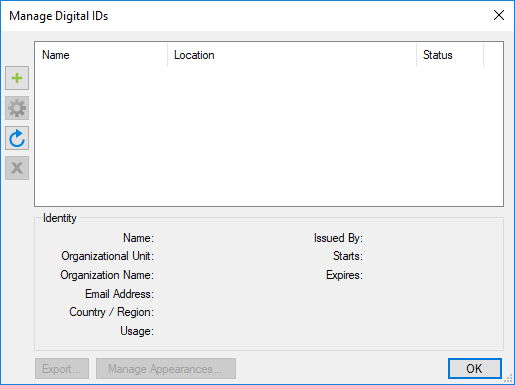
- Select the digital ID to be exported and select Export. If this digital ID is password-protected (for example, a PKCS #12 ID), a password prompt will appear. Provide the necessary password.
- In the Windows Save As dialog, browse to a desired location and select Save to save the public certificate. This file can now be sent to other users, who can add it to their trusted repositories.