Schwerpunkt anzeigen
Revu kann den geometrischen Mittelpunkt, auch als Schwerpunkt bezeichnet, von Flächen- und Volumen-Markierungen anzeigen.
- Wählen Sie eine Flächen- oder Volumenmessung aus.
-
Im Abschnitt Darstellung der Seitenleiste „Eigenschaften“ wählen Sie Schwerpunkt anzeigen aus.
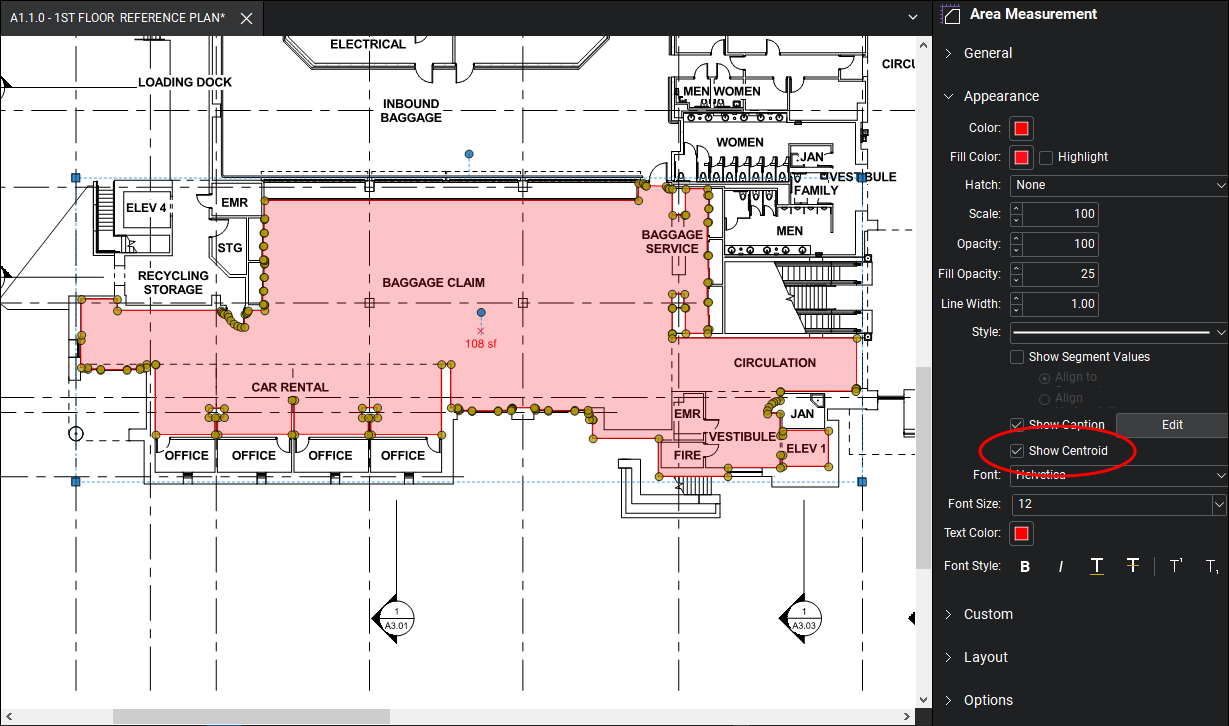
Alternativ klicken Sie auf
 „Zentroid anzeigen“ im Abschnitt **Eigenschaften der Abmessungen** der Seitenleiste „Abmessungen“.
Der Standort der Beschriftung der Flächenmessung wird unterhalb des Schwerpunkts verschoben.