Integration preferences
The Integrations Preferences contain settings for Revu integrations.
To open the Preferences dialog box, go to Revu >  Preferences.
GoCanvas
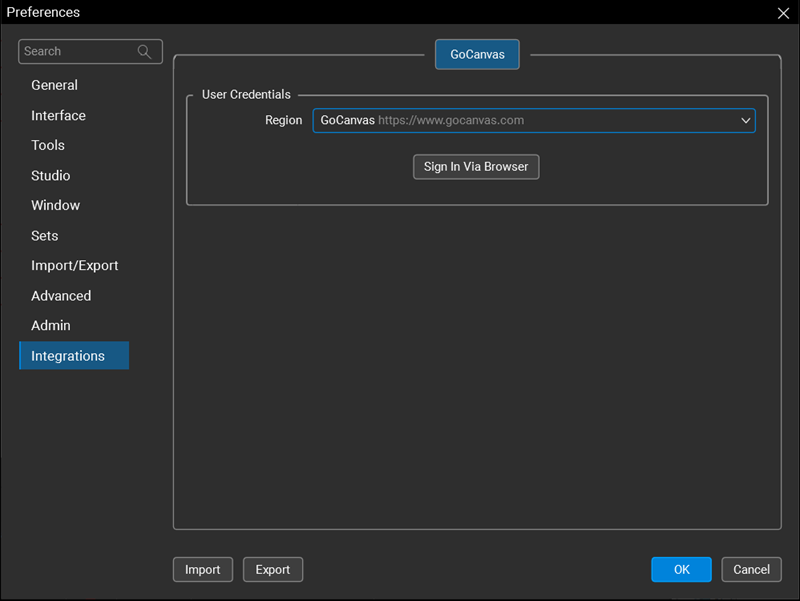
Region: Select your GoCanvas region.
Sign In Via Browser: Select to sign in to GoCanvas and use forms to assign tasks to your field teams directly from Revu markups.